
7 Clear Signs It’s Time for a Website Redesign
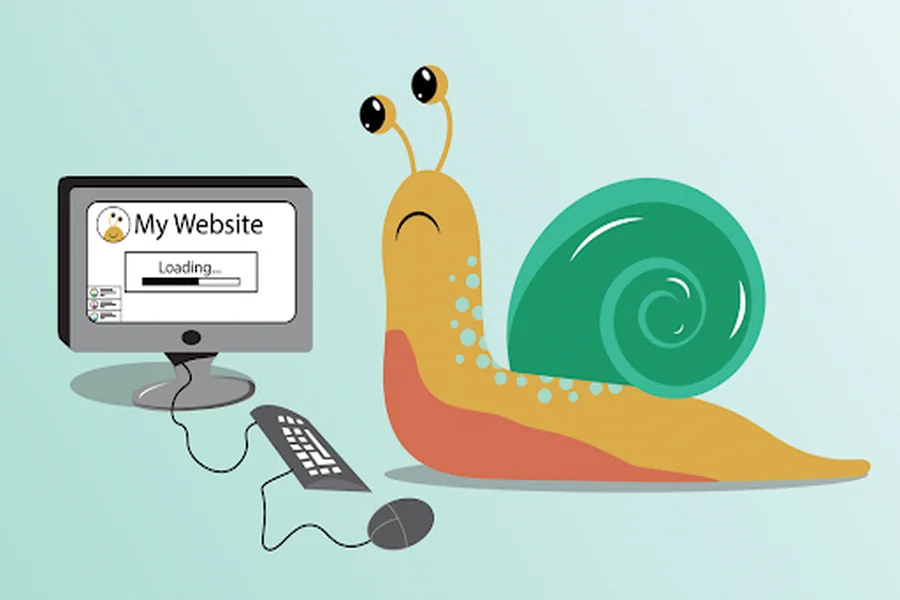
A website redesign is the right move when your current site is actively costing you customers, leads, or hours of your week. If your website feels outdated, loads slowly, frustrates users, or is difficult to update, you’re already seeing clear signs of a problem.
You built your website to support your business goals. But as your industry evolves and customer expectations shift, websites that aren’t regularly updated often get left behind.
Most site owners don’t start by saying, “I need a redesign.” They start with something simpler: “My website doesn’t feel right anymore… and I think I’m losing customers.”
And they’d probably be right.
There are seven clear indicators below that tell you it’s time for a website redesign, and actions you can take if you’re experiencing any of them. First, however, it would be wise to know what web redesign entails.
What a website redesign actually means (and when you really need one)
A website redesign is an active rebuilding of your website from all the perspectives – aesthetic, functional and revenue-earning.
It usually involves creating a new design for your website, restructuring the content, changing the navigation and switching to a new platform.
That’s different from a refresh, which is lighter. New colours, swapped images, edited copy, but the underlying site stays the same. Knowing which one you need is half the decision. We’ll come back to that further down.
If you built your site yourself on Squarespace or Wix, hired a freelancer years ago and lost touch, inherited a site from a former team member, or run an eCommerce or course business where the site IS the revenue engine, the seven signs below all apply to you. The fix may look different. The symptoms are the same.
Sign 1: Your site loads slowly, and people leave before it’s finished
You know this feeling yourself. You type in your URL, and there’s a rhythm there. Perhaps even two rhythms. First comes the header, then the hero image, then the buttons. Before you can actually use anything, a frustrated user has left your page.
There is no greater cause for the loss of revenue by a perfectly healthy-looking website than slow loading. It does not come to light in complaints. It comes to light in users who never reached the point of complaint.
What “slow” actually feels like to a customer
A site that takes three or four seconds to load doesn’t feel slow to you, because you know what’s coming. To a first-time visitor on a mobile network, it feels like a dead site. They don’t wait. They go back to search and click the next result.
What to do next
Run your site through a free speed test. If your homepage takes more than two or three seconds to become usable on mobile, that alone is reason to plan an update. The fix may be technical first (hosting, image optimisation, cleaning up bloated themes or plugins) before it’s visual.
Sign 2: Your mobile experience makes people pinch, zoom, and give up
Most of your visitors are browsing via their mobile devices. This may not be true for all of your traffic, but this is the case for the majority. So if your website appears to function properly on a desktop computer but poorly on a mobile device, then you are ignoring your major traffic source.
If your buttons are too small to tap, your menus collapse oddly, or your forms ask for too much on a small screen, your mobile visitors are bouncing. And on a phone, bouncing is one tap, not a decision.
Why is mobile the bigger half of the redesign question
A surprising number of small business sites still treat mobile as a scaled-down version of the desktop site. In 2026, that’s backwards. A modern redesign starts from the phone and works its way up.
What to do next
Open your own site on your phone, with mobile data, as a customer would. Try to do the most important thing on it. Book, buy, contact, sign up. If you find yourself frustrated, you’ve found a redesign trigger.
Sign 3: Visitors are coming, but sales (or leads) aren’t
This is the sign that hurts the most. Your traffic numbers look fine. Maybe even better than last year. But the bookings, sales, or form submissions don’t follow.
When traffic and revenue stop moving in the same direction, the site itself is usually the leak. Something between “they landed” and “they paid” is breaking down.
The friction points that quietly cost you conversions
Common culprits: a checkout that asks for an account when it shouldn’t, a contact form with too many fields, a pricing page that hides the price, a confusing menu, or a key call-to-action that sits below the fold on mobile.
What to do next
Watch a real person try to buy or contact you. Don’t help them. Don’t explain anything. Just watch where they hesitate. Most of the friction in a small business site is fixable, but you have to see it first to redesign around it.
Sign 4: Your design feels stuck in a year you’d rather forget
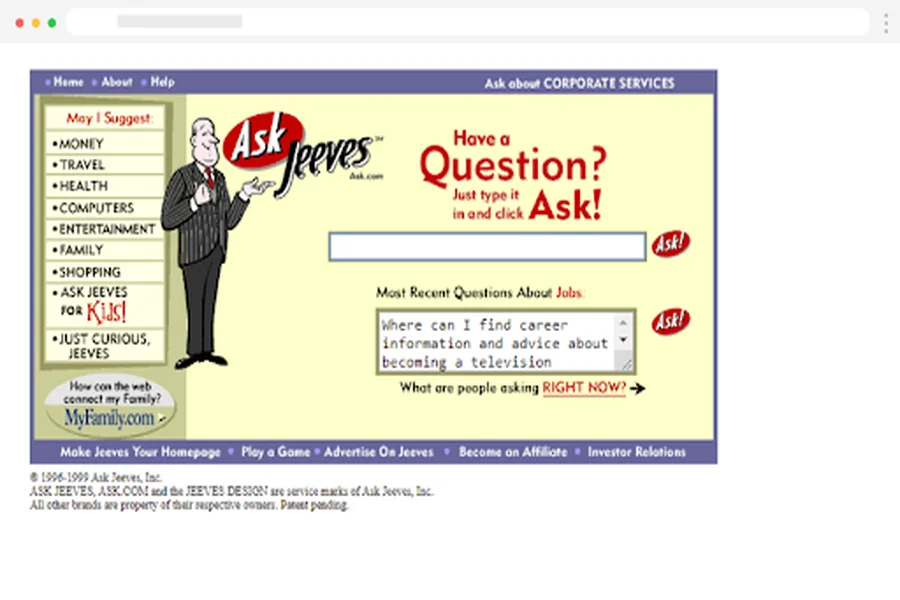
You don’t need to be a designer to know your site looks old. You just hesitate to share the link. You add a small disclaimer in emails: “The site’s a bit dated, but we’re working on it.” That feeling is data.
A site that looks behind the times tells visitors your business is behind the times, even when the business itself is sharp and current. That’s an unfair trade.
Why “looking dated” is a business problem, not a vanity one
Visitors decide whether they trust you within the first few seconds of landing on your site. They’re not making that judgment on your services page. They’re making it on the homepage, at a glance. An old design quietly tells them to look elsewhere.
What to do next
If you wouldn’t print your homepage as a one-page brochure and hand it to a prospect, your homepage needs work. That’s the simplest test. A redesign here is about closing the gap between how good your business is and how good your site looks.
Sign 5: You can’t update content without breaking something
You used to update the site yourself. Now you avoid it. The last time you tried to swap a photo, the layout shifted. The time before that, a plugin update took the contact form down for two days.
When the back end becomes a place you fear, your site stops being a living asset and starts being a stuck billboard. That’s a business problem, not a tech one.
When the back end becomes a bottleneck
Owners we work with at WisdmLabs often tell us they have new offers, new testimonials, new photos, all sitting in a folder for months because nobody on the team is willing to touch the site. The longer that goes on, the more the site falls behind the business.
What to do next
A redesign isn’t only about how the site looks. It’s also about how easy it is to keep current. The right rebuild gives you a back end you can actually use. If your current setup makes you avoid your own website, that’s a redesign-level fix, not a small one.
Sign 6: Search rankings are sliding, and you can’t pin down why
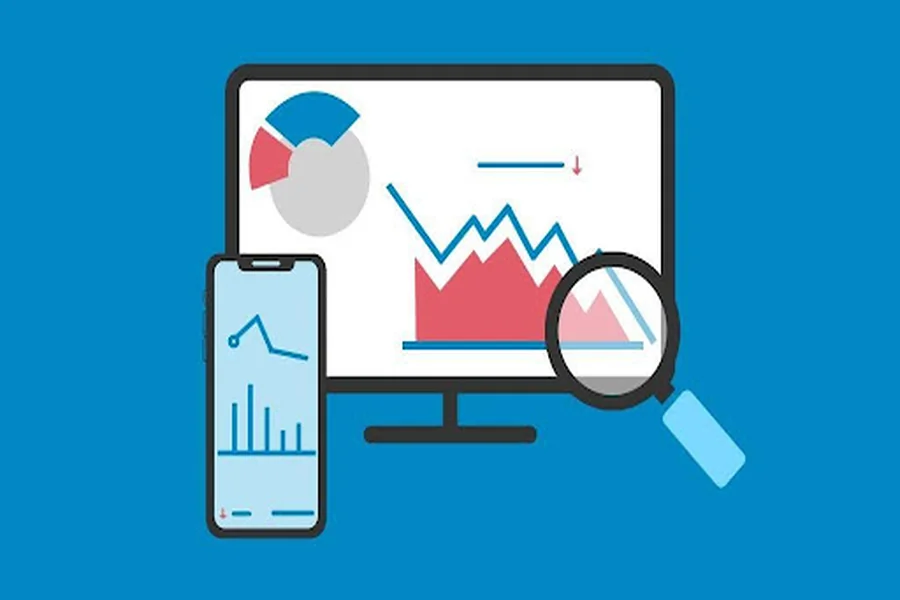
You used to show up in search. Now you show up further down. The traffic graph in your analytics has been bending the wrong way, slowly, for months.
A slow drift in search rankings is rarely random. It’s usually the site itself losing ground to faster, better-structured, more current competitors.
What’s changed about SEO in 2026
Search engines now reward sites that load quickly on mobile, have a clear page structure, and answer specific questions cleanly. Older sites built before these standards rarely meet them. A redesign isn’t a guaranteed SEO fix, but staying on an outdated foundation almost guarantees the slide continues.
What to do next
Before you redesign, check what’s still working. There are pages on your current site that probably rank well and bring in real visitors. A good redesign protects those pages, keeps their URLs, and improves their performance. A bad redesign throws them out and starts from zero.
Sign 7: Your site no longer matches your business (or how customers find you)
Two years ago, you sold one thing. Today, you sell three. Two years ago, your audience was local. Today, half your customers are remote. Your business has changed. Your site has not.
When the homepage describes a business you used to run, every visitor has to do extra work to figure out who you actually are. Most won’t bother.
When your offering has outgrown your homepage
This is the sign owners spot fastest in conversation, and somehow the slowest to fix. The site stays in place because it works “well enough.” In the meantime, the gap between what you sell and what your homepage claims about you grows wider by the day.
The AI search readiness angle that most people are missing
There’s a new twist for 2026. More customers than ever discover businesses using AI-driven search engines that extract short, structured responses from websites. Your website needs to be organised and concise. Otherwise, an AI search engine won’t quote your website accurately, making you invisible.
With this website redesigning approach, your business will pop up in places you never imagined before.
What to do next
Describe your business in one line. Then look at your homepage. If they don’t align, there’s a redesign catalyst staring right back at you.
Redesign or refresh? How to tell which one you actually need
Not every site that feels off needs a full rebuild. Sometimes a refresh is enough. Sometimes it’s not, and a refresh just delays the real work by a year.
A quick way to tell:
| Situation | What you probably need |
| The site looks dated, but the structure still works | Refresh: new visuals, updated copy, better photos |
| The site is slow, breaks on mobile, or is hard to update | Redesign: the foundation is the problem |
| You’ve changed what you sell or who you sell to | Redesign: the structure no longer fits the business |
| Sales or leads have dropped without an obvious cause | Redesign: the friction is built into the site |
| The brand is changing, but the offer is the same | Refresh first, redesign later if needed |
| You dread logging into the back end | Redesign: the back end is the bottleneck |
If two or more of those rows describe your situation, you’re in redesign territory, not refresh.
A final note
If you’ve recognised your site somewhere in the seven signs above, you’re already past the hardest part. Most owners spend months or years quietly knowing their site is holding them back before they say it out loud. Naming the problem is the redesign actually starting. The rest is process, scope, and a few good decisions.
FAQ
How often should I redesign my website?
There’s no fixed rule. The “every two to three years” advice you’ll hear is a rough average, not a real benchmark. The honest answer is: redesign when the site stops earning its keep. If yours is still working, leave it. If it’s not, the calendar isn’t the reason to wait.
How long does a website redesign take?
For a small business site, a thoughtful redesign usually runs six to twelve weeks from kickoff to launch, depending on scope. Faster is often a warning sign. It usually means content, structure, and goals haven’t been worked through.
Will a redesign hurt my SEO?
It can, if it’s done carelessly. The risk is real but avoidable. The fix is to map every existing page that ranks well, keep its URL, and migrate content thoughtfully. A redesign done with SEO in mind usually improves rankings rather than hurting them.
Should I redesign or just refresh my current site?
If your site is slow, breaks on mobile, hard to update, or no longer matches the business, you need a redesign. If it looks dated but works fine underneath, a refresh is enough. The comparison table above covers most situations.
Can I redesign the site myself?
Sometimes, depending on the platform, the complexity, and how much your business depends on the site. A simple service site can often be rebuilt by the owner using a modern builder. An eCommerce store, a course platform, or a site with custom workflows almost always needs help.